- Version
- Download 1
- File Size 1.98 KB
- File Count 1
- Create Date June 8, 2026
- Last Updated June 8, 2026
Project Ibris
System Overview
Project Ibris is a lightweight, zero-trust network monitoring core built entirely in Python to deliver absolute visibility over your physical airwaves [▞]. It completely eliminates corporate cloud tracking, data profiles, and remote telemetry lines [▞].
Designed specifically for homestead grids, privacy advocates, and security purists, it converts any standard computer—including old, repurposed desktop setups with no external cameras or sensors—into a dedicated, standalone network intelligence node [▞].
📡 The Core Capabilities Inside
-
- 🔄 Silent Sonar Scanning Loops: Triggers an automated local scan every 15 seconds, sweeping all 254 channels of your home router’s network grid lane [▞].
- 🎯 Hardware Intercept Identification: Captures the raw hardware handshakes bouncing through your household airwaves, instantly extracting the exact IP and MAC address text strings [▞].
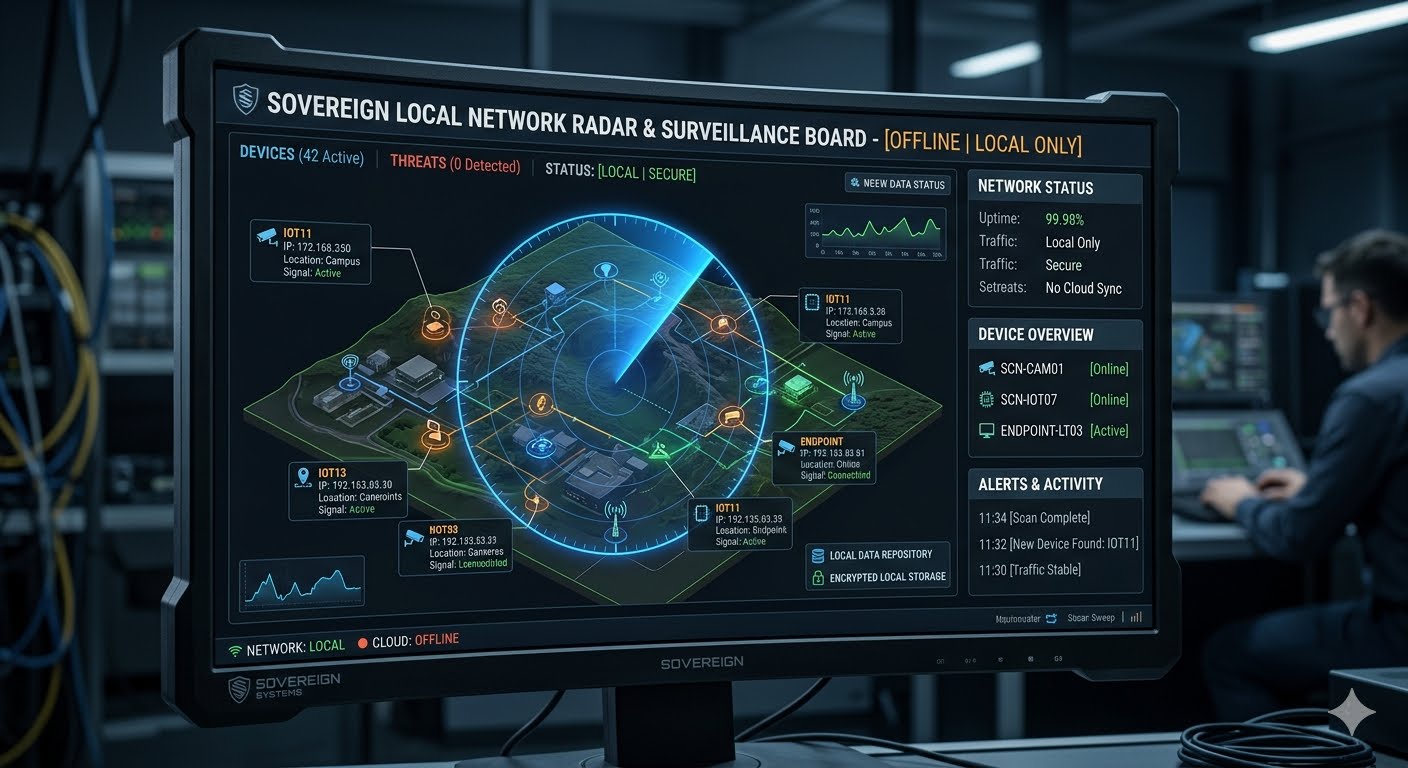
- 📟 Tactical HUD Matrix Grid: Organizes your entire local footprint into a high-contrast terminal tracker. It automatically isolates your core infrastructure with an amber
[GATEWAY ROUTER]tag, while mapping smartphones, laptops, and smart TVs with neon-green[ACTIVE DEVICE]indicators.
📦 Distribution Package Contents (
PROJECT_IBRIS_RADAR_v1.0.zip)This self-contained local deployment archive comes 100% plug-and-play out-of-the-box, containing exactly three assets:
-
- ⚙️
net_radar.py(The Signal Engine): The core background brain. It leverages Linux's native mapping utilities to parse local hardware footprints purely inside a microscopic, volatile RAM cache. - 🚀
install.sh(The Automated Installer): A silent system utility that automatically updates package links and pulls down the missing hardware scanning drivers without you ever needing to open a code file. - ⚡
launch_radar.sh(One-Click Shortcut Script): A zero-configuration trigger script that clears stale console buffers and boots your live tracking board instantly with a single double-click.
- ⚙️
🛠️ Instant Field Deployment Checklist
To arm your independent local network device radar right now:
- Extract the Archive: Download and unzip
PROJECT_IBRIS_RADAR_v1.0.zipdirectly onto your desktop workspace directory. - Run the System Installer: Open a terminal window inside the folder and fire up the automated driver installer pass:
bash
chmod +x install.sh && ./install.shUse code with caution. - Launch the System: Double-click
launch_radar.sh(or executepython3 net_radar.pynatively in your terminal pane). Your offline tactical surveillance board will turn online instantly, actively charting every wireless device in your house!